The Power of First-Click Testing in Enhancing User Experience

User experience (UX) can make or break a website or app. When visitors arrive, their first interaction often shapes their entire impression. One key method to improve this interaction is first-click testing. This technique reveals whether users can find what they need quickly and easily by tracking their very first click. Understanding and applying first-click testing can lead to smoother navigation, higher satisfaction, and better overall usability.
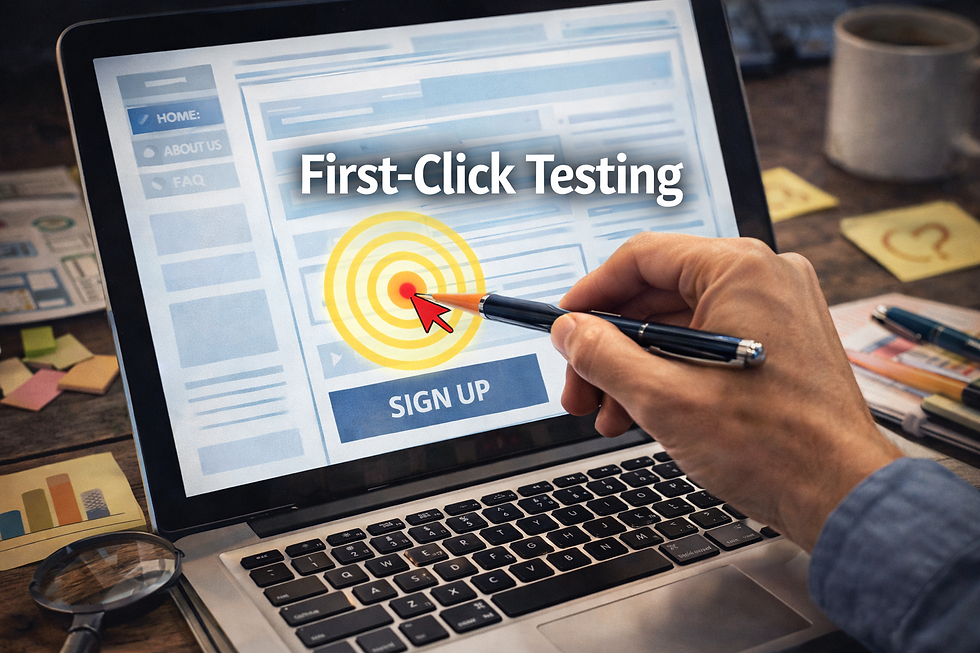
What Is First-Click Testing?
First-click testing measures where users click first when they try to complete a task on a website or app. The goal is to see if their initial click leads them in the right direction. If users click the wrong link or button first, they may get frustrated or confused, which can cause them to leave.
This test is simple but powerful. It focuses on the very start of the user journey, which often determines whether users succeed or fail in finding information or completing actions.
Why First-Click Testing Matters
Users rarely read every word on a page. Instead, they scan and make quick decisions. The first click is a critical moment that shows if the design matches user expectations. If users click the right place immediately, it means the design is clear and intuitive.
Here are some reasons why first-click testing is valuable:
Improves navigation clarity
It reveals if menus, buttons, and links are easy to understand and find.
Reduces user frustration
When users find what they want quickly, they feel more satisfied.
Increases task success rates
Correct first clicks often lead to faster and more successful task completion.
Supports design decisions with data
Instead of guessing, designers can use real user behavior to guide improvements.
How to Conduct First-Click Testing
Running a first-click test does not require complex tools or large budgets. Here’s a straightforward approach:
Define the task
Choose a specific goal for users, such as "Find the contact page" or "Locate the pricing information."
Prepare the test environment
Use a prototype, wireframe, or live site. Tools like UsabilityHub or Optimal Workshop can help track clicks.
Recruit participants
Select users who represent your target audience.
Ask users to complete the task
Observe or record where they click first.
Analyze results
Calculate the percentage of users who clicked the correct area first.
Make improvements
Adjust the design based on findings and retest if needed.
Examples of First-Click Testing Impact
Consider an e-commerce site where users struggled to find the shopping cart. First-click testing showed most users clicked on the "My Account" link instead of the cart icon. The team then made the cart icon larger and added a label. After the change, 85% of users clicked the cart first, improving the checkout flow.
Another example is a news website that wanted readers to find the latest headlines quickly. Testing revealed users clicked on the sidebar ads more often than the headline links. The site redesigned the layout to place headlines more prominently, which increased user engagement by 30%.

Best Practices for Using First-Click Testing
To get the most from first-click testing, keep these tips in mind:
Test early and often
Conduct tests during design stages and after launch to catch issues quickly.
Keep tasks clear and realistic
Use tasks that reflect real user goals.
Use a representative sample
Test with users who match your audience’s demographics and tech skills.
Combine with other usability methods
First-click testing works well alongside heatmaps, surveys, and user interviews.
Focus on actionable results
Prioritize changes that improve the first click and overall navigation.
How First-Click Testing Fits into UX Design
First-click testing is part of a user-centered design process. It helps designers understand how users think and behave. By focusing on the first click, teams can simplify complex interfaces and reduce cognitive load.
This method also supports accessibility by ensuring that navigation is straightforward for all users, including those with disabilities.


Comments